Interactive Manual Placement
Drag, Drop & Rotate
Automated vs Real-World Loading
Automated packing algorithms provide excellent starting points, but warehouse professionals often need to adjust placements based on real-world constraints, loading sequence requirements, or operational preferences. Traditional 3D packing tools don't allow modifications after optimization, forcing users to accept algorithmic decisions even when manual adjustments could improve efficiency or accommodate specific loading procedures that automated systems can't anticipate.
Physics-Based Manual Control
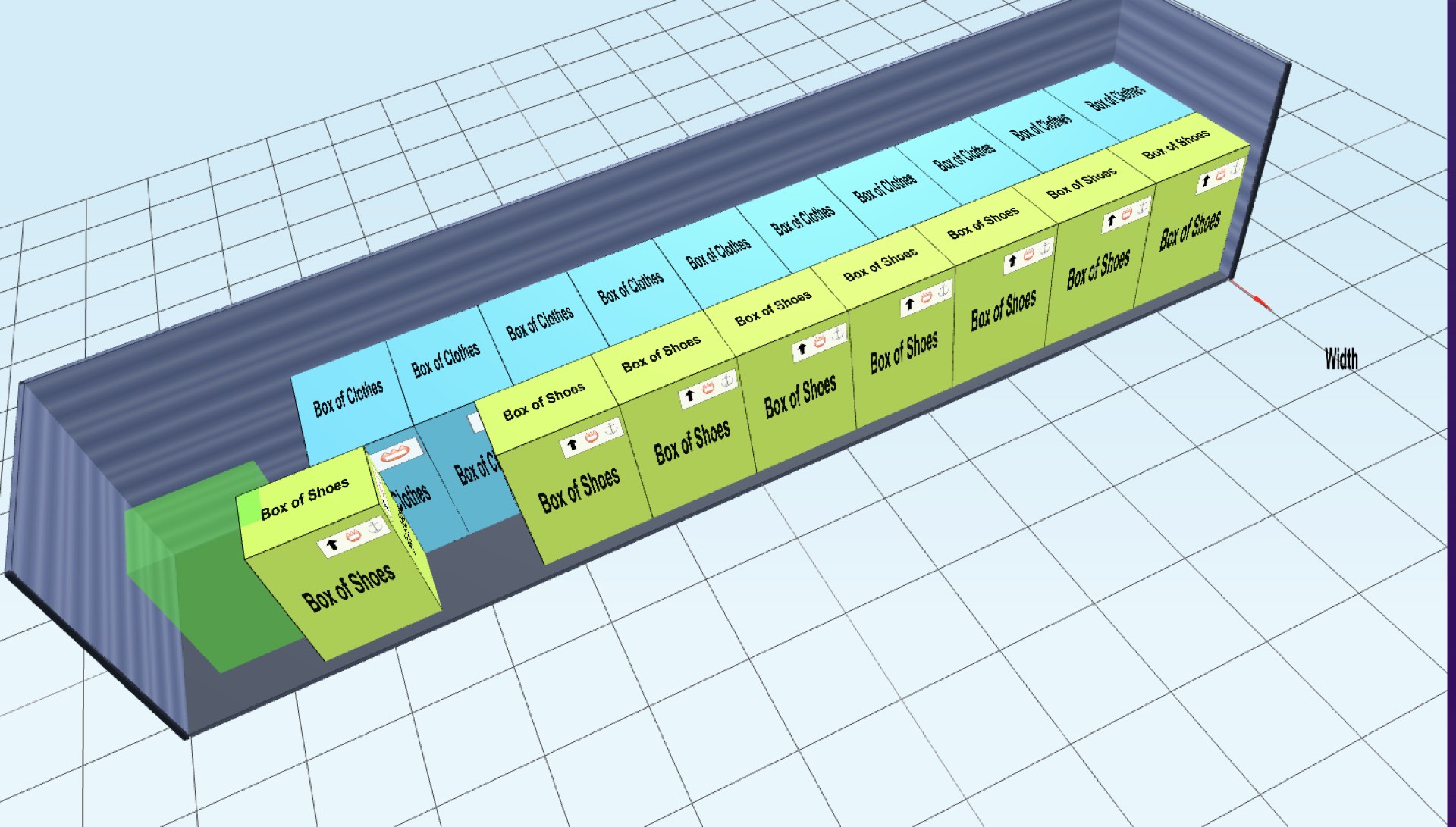
3DPACK.ING's manual placement system gives you complete control over item positioning with intuitive drag-and-drop functionality and precision rotation controls. Click any item to grab it, drag to reposition, and use rotation controls to achieve the perfect orientation. The system includes real-time collision detection that prevents impossible placements while allowing you to explore alternative arrangements and apply warehouse expertise to optimize the automated solution.
Enhanced Loading Flexibility
This interactive approach combines algorithmic efficiency with human expertise, delivering superior loading solutions. You can test different arrangements quickly, accommodate specific loading sequences, and apply practical knowledge that automated systems might miss. The physics-based validation ensures all manual adjustments remain feasible while giving you the freedom to optimize based on operational requirements, equipment constraints, or cargo handling preferences that only experienced warehouse professionals understand.
Advanced Manual Placement Features
- Drag-and-Drop Interface: Intuitive click-to-grab system for moving items to new positions within the container
- Six-Orientation Rotation: Precise rotation controls allowing items to be oriented in all six possible directions
- Real-Time Collision Detection: Physics engine prevents impossible placements and maintains spatial integrity
- Snap-to-Grid Positioning: Optional grid alignment for precise placement and organized loading patterns
- Multi-Item Selection: Select and move multiple items simultaneously for efficient rearrangement
- Undo/Redo Support: Experiment freely with ability to revert changes and explore different scenarios
Where a person still beats the solver
A solver optimises what it has been told to optimise. Most of what makes a load practical was never entered, and that is not a defect in the algorithm — it is information that lives in someone's head and rarely reaches the packing list.
Multi-drop routes are the clearest case. If a trailer serves four customers in a fixed order, the last drop belongs at the front and the first at the doors, and no amount of volume optimisation will discover that from dimensions alone. The same applies to anything that has to come off first on arrival: paperwork, samples, cold-chain items, the pallet the receiving bay wants to check before signing.
Then there is access. Straps, dunnage bags and load bars need somewhere to go, a forklift needs room to get its tines under a pallet, and a door-end pallet that is perfectly placed for density may be impossible to lift without moving three others first. These are constraints on the unloading process rather than on the packing geometry, and they are exactly the kind a person notices in a 3D view and fixes with a drag.
Correcting for order, not just for fit
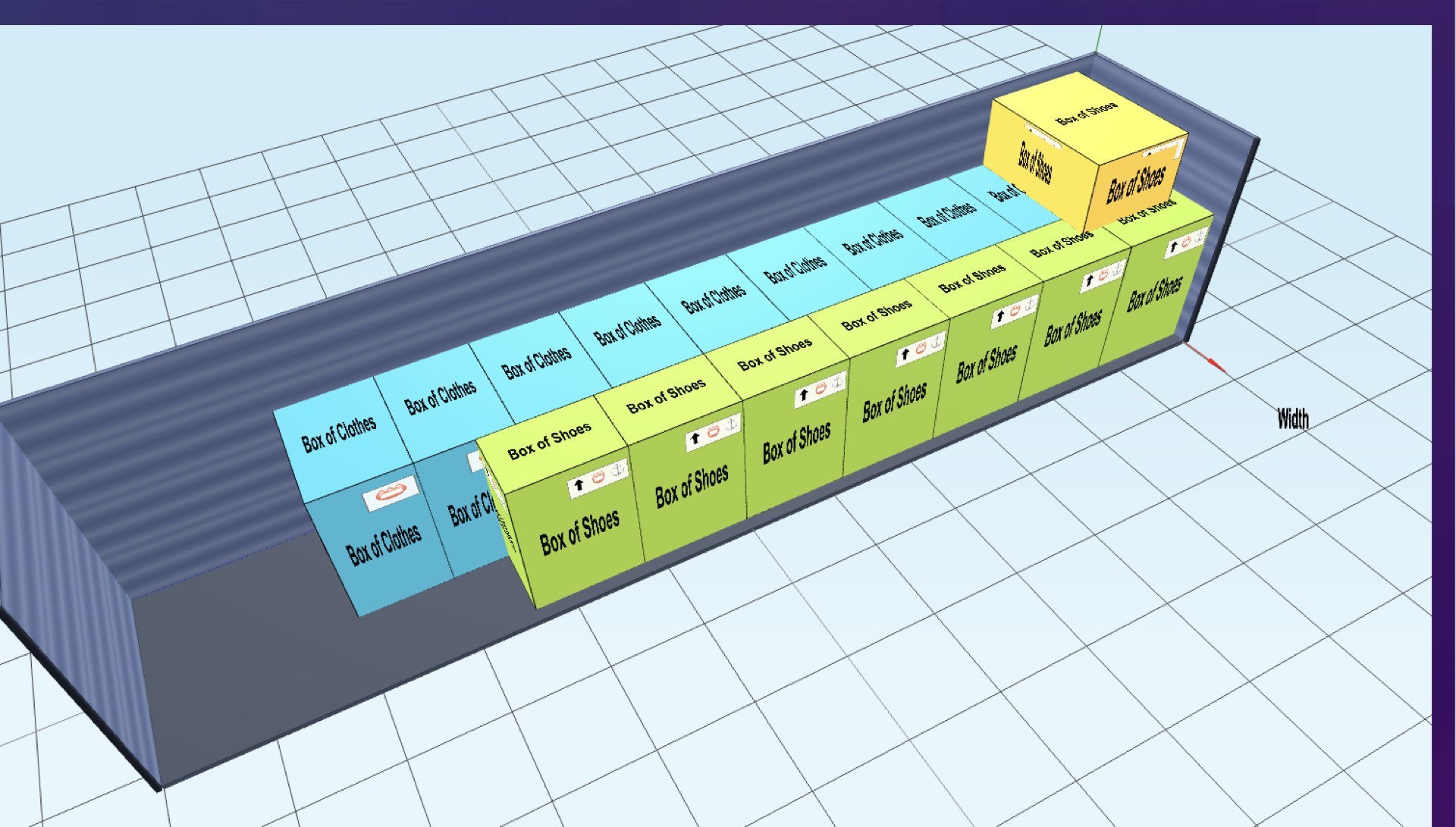
The most common manual correction is not about whether something fits but about where it fell in the sequence. A solver chasing density will happily split a product across four separate pockets because that is where the gaps were; the person unloading then handles that product four separate times.
We measure that as the number of product changes as you walk the load, normalised against a perfectly banded plan — the write-up is here, with the numbers from three real loads. Manual placement is the direct fix: drag the strays back into their band and accept the point or two of utilisation it costs.
For road loads there is a second reason to move things by hand, which is axle weight. Repositioning a heavy pallet a metre forward changes the split across the axles without changing the fit at all; the truck load calculator has the vehicle dimensions and payloads that decide how much room you have.
Take Control of Your Loading Process
Combine algorithmic optimization with warehouse expertise. Start using interactive manual placement for superior container loading today.
Try Manual Placement